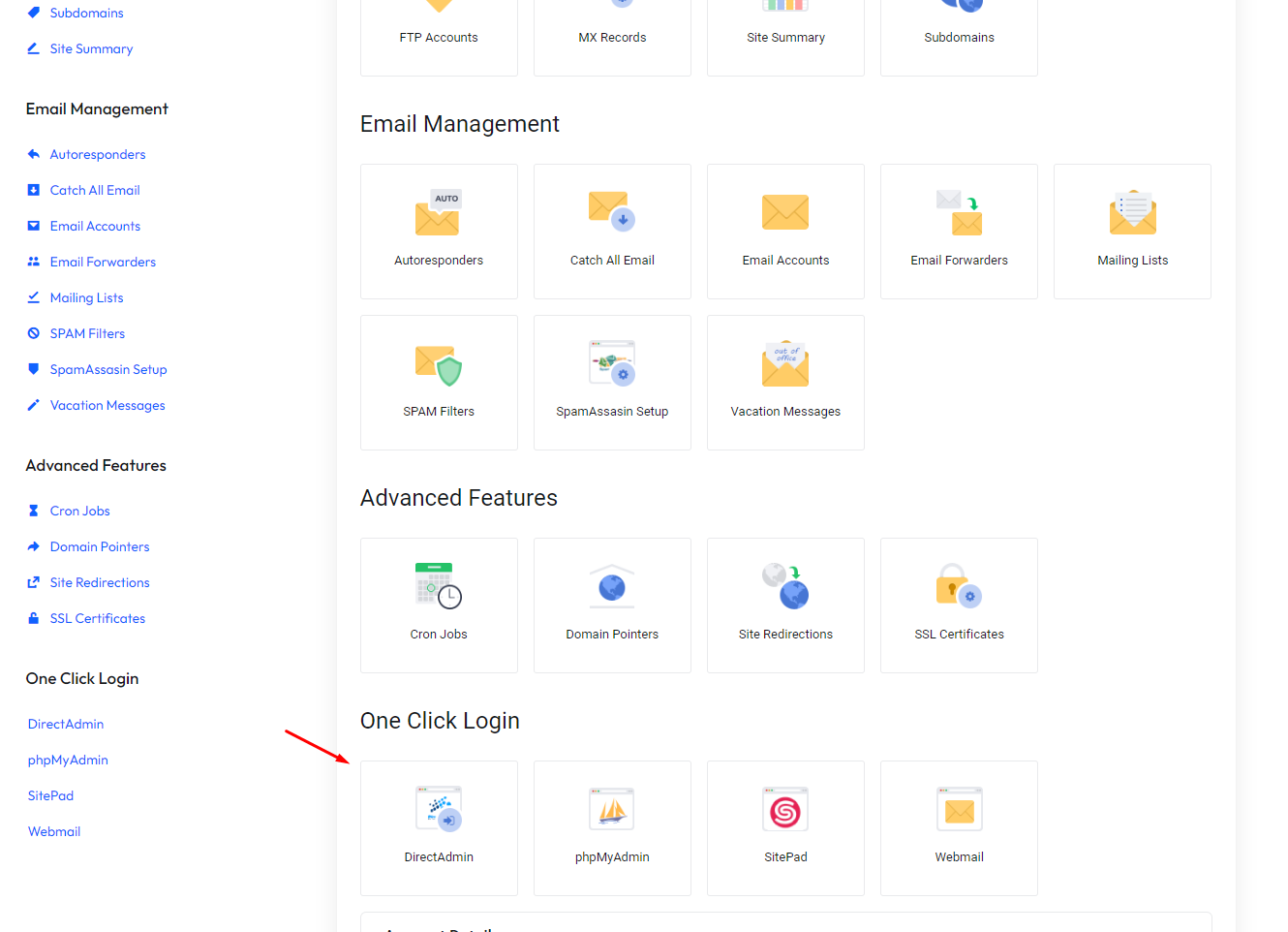
After you made a purchase and the payment successfully reached us and captured, you will see your service active within the Hostking Client Area.
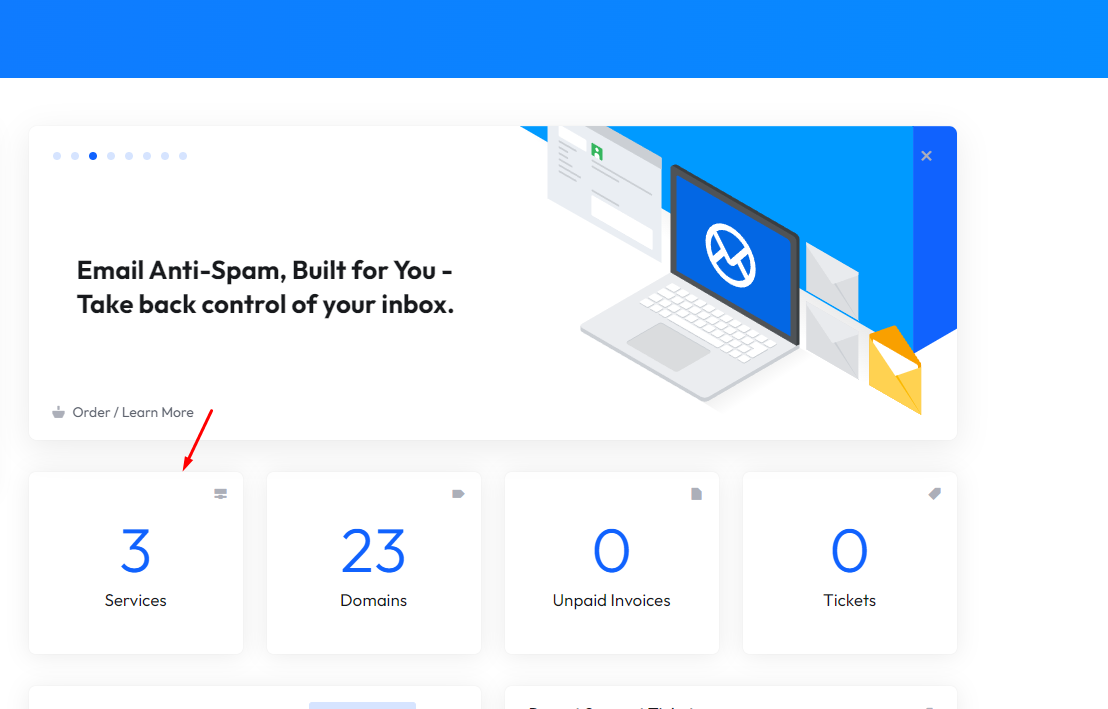
To view your Active services is as easy as navigating to the Home section and clicking on Services button.
If you would like to login to the control panel, to upload or design a website, or create email accounts, etc.
Click the Blue Services icon in the client area.
Then click the Manage button to be redirected to the Service Detail page where a login button will be displayed.
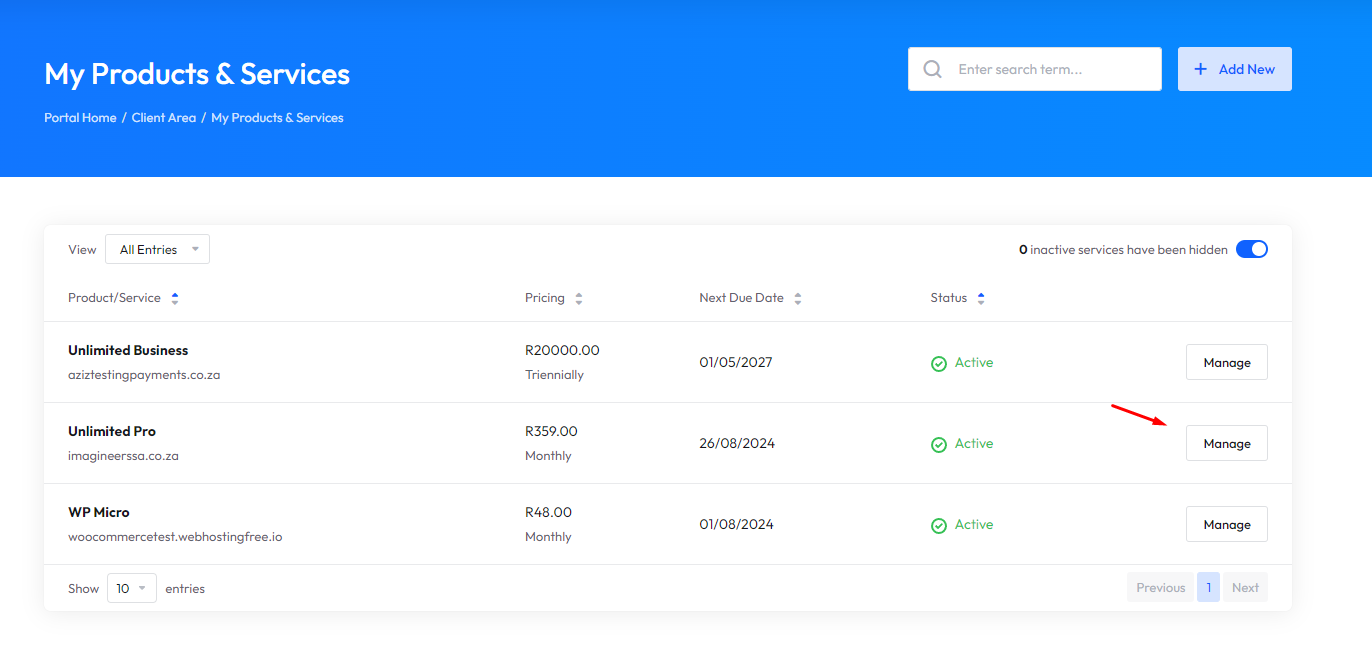
On the following page Login button exists. Click this to Auto Login you into your Control Panel for service purchased. (Note for Directadmin or Plesk the login button will be at the bottom of the page)
Example for DirectAdmin Services: