
If you are getting a timeout via phpmyadmin or Directadmin when restoring a MySQL database. You may have a large database.
To restore it do the following to restore it successfully.
Login to Directadmin and upload your database via file manager.
Once done go to Directadmin home screen and click the Terminal icon.
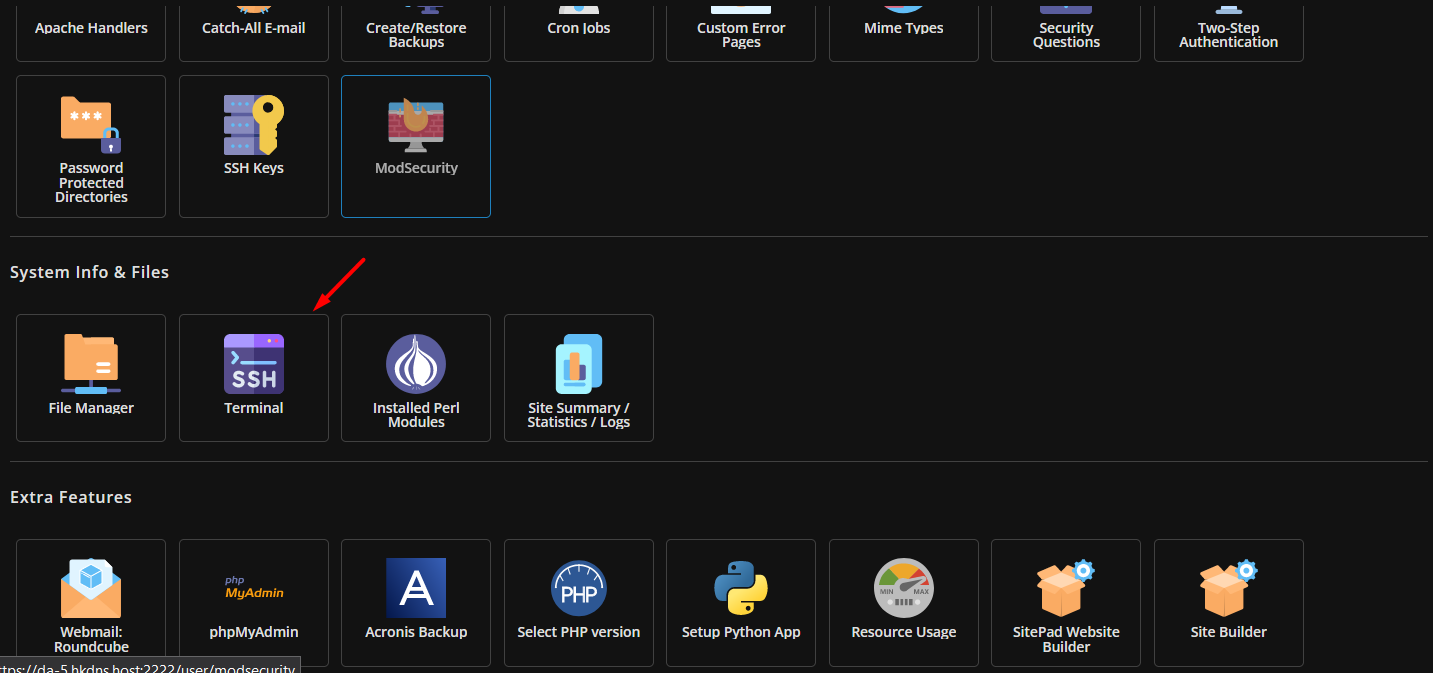
Once clicked it will give you a window.
Navigate to where the path of the file is (you will require some basic linux skills) - if you don't please ask our support team to complete this for you.
Run the following replaced db_username, db_password and db_name with your own details for the database you created within MySQL Management in Directadmin.
mysql -u db_username -pdb_password db_name < dbfile.sql
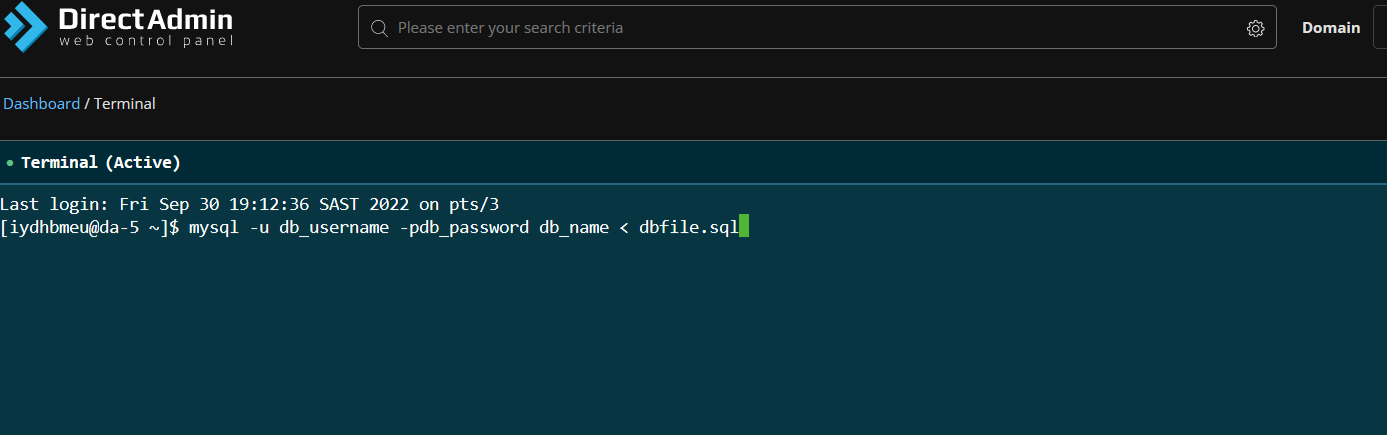
It may take some time but once completed it will be restored successfully.
